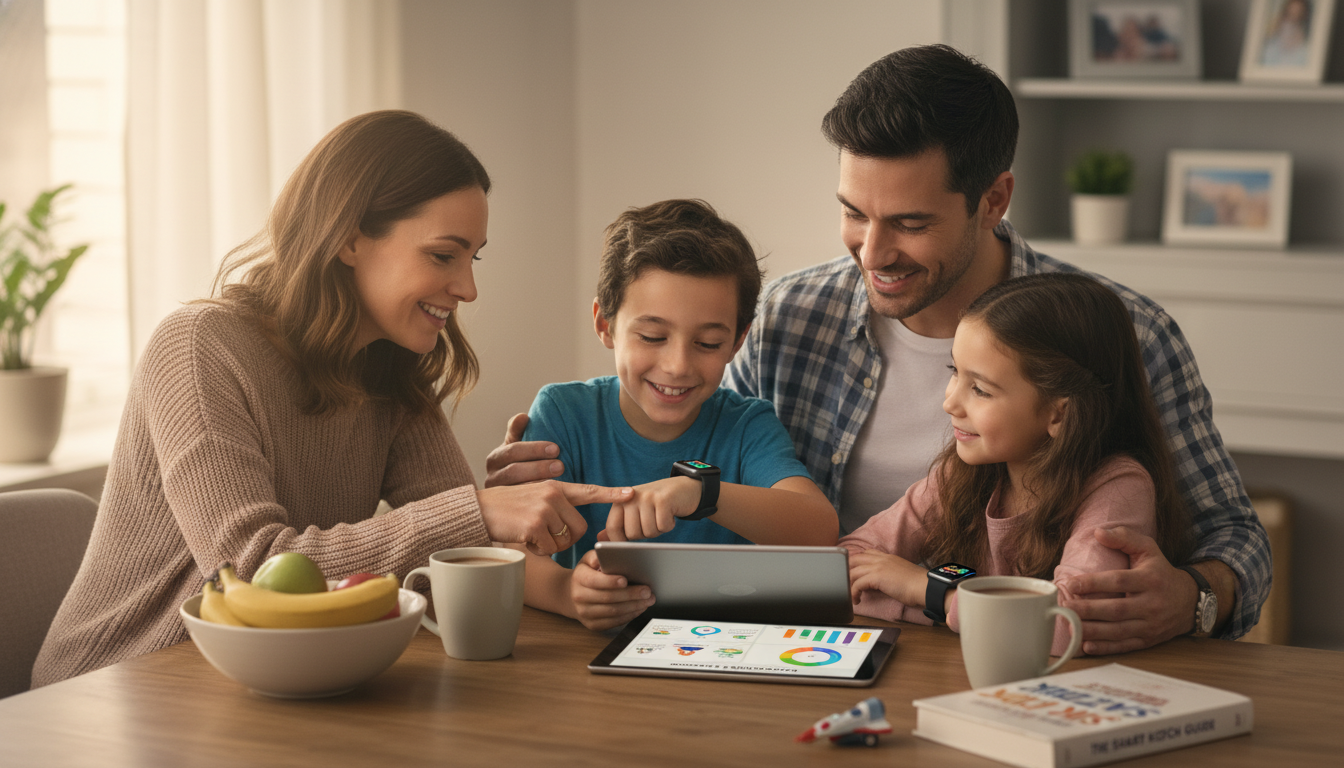
Kids smartwatches can offer peace of mind without handing over a full smartphone—when the device is picked with privacy, location accuracy, and real-world durability in mind. The best choice depends less on flashy games and more on how your family will use it day to day: quick check-ins, school pickup coordination, or helping a child practice routines responsibly. Below is a practical guide to the features that matter most, the fine print to check, and a comparison checklist to make shopping simpler.
Before comparing models, define the “why.” A watch that’s perfect for quick calls after soccer practice may be a poor fit for a classroom-heavy schedule or a younger child who needs tighter contact controls.
Safety features can sound similar across brands, but implementation is everything. A well-designed SOS flow and a true contact whitelist are more meaningful than a long feature list.
Parents often buy a smartwatch for tracking, then feel disappointed when the dot on the map “wanders.” That’s usually a combination of indoor signal loss, update settings, and how the watch blends location sources.
A kids smartwatch is a location-and-communication device, so privacy and account security deserve the same attention as hardware features. For background on children’s data protections, review the FTC’s COPPA rule. For family media habits, the American Academy of Pediatrics digital media guidance is a helpful reference.
| What to Compare | Best When… | What to Verify Before Buying |
|---|---|---|
| SOS + whitelisted contacts | Safety is the top priority for a younger child | SOS reaches multiple guardians; unknown numbers blocked; easy test mode |
| Location tracking quality | The watch is used for pickups and busy outings | Update interval options; indoor accuracy expectations; last-updated timestamp shown |
| Connectivity (cellular vs Wi‑Fi/Bluetooth) | Child needs independence away from a phone | Carrier compatibility; coverage where the child spends time; monthly plan cost |
| School/focus mode | Use during school days is allowed with restrictions | Schedule controls; safety features still work; tamper resistance |
| AI/assistant tools | Family wants reminders and simple help features | Opt-in controls; data retention; ability to disable or limit AI functions |
| Durability | Active kids, sports, playground use | Water resistance rating; strap comfort; screen protection; warranty terms |
Budgeting for a kids smartwatch means looking beyond the sticker price. If the watch supports emergency calling, it may rely on carrier services and location methods that vary—review the basics of wireless emergency location via the FCC’s Wireless 911 (E911) guide.
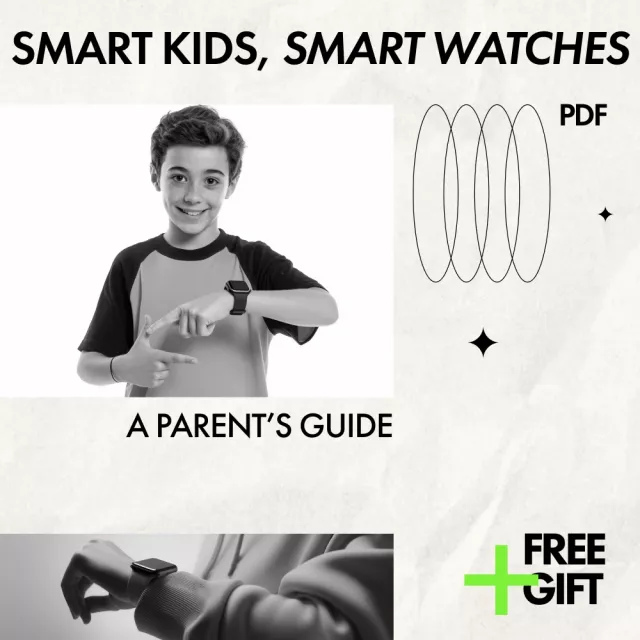
If you’d like a compact reference that’s easy to revisit during shopping and setup, see Smart Kids, Smart Watches: A Parent’s Guide (Digital Download). For families building routines around screen time and learning, Fun Learning Games for Preschoolers (Printable Checklist) can pair well with a “tech has a time and place” household plan.
Many families start in early elementary when kids begin school activities and pickups, but the right timing depends more on maturity and school rules than age. For younger kids, prioritize whitelisted contacts and a simple SOS flow; for older kids, schedules and reminders can be genuinely useful.
Accuracy varies because watches may switch between GPS, Wi‑Fi positioning, and cell tower triangulation depending on signal strength. Indoor areas like schools and malls often reduce precision, and faster update intervals can improve usefulness while draining battery—test it at home and at your most common pickup locations.
They can be, if AI tools are optional, limited, and clearly controlled through parental settings. Favor devices with opt-in permissions, visible logs, and easy deletion controls, and avoid open-ended chat features when data retention and restrictions aren’t clear.
If you have any questions, here are some useful links:










Leave a comment