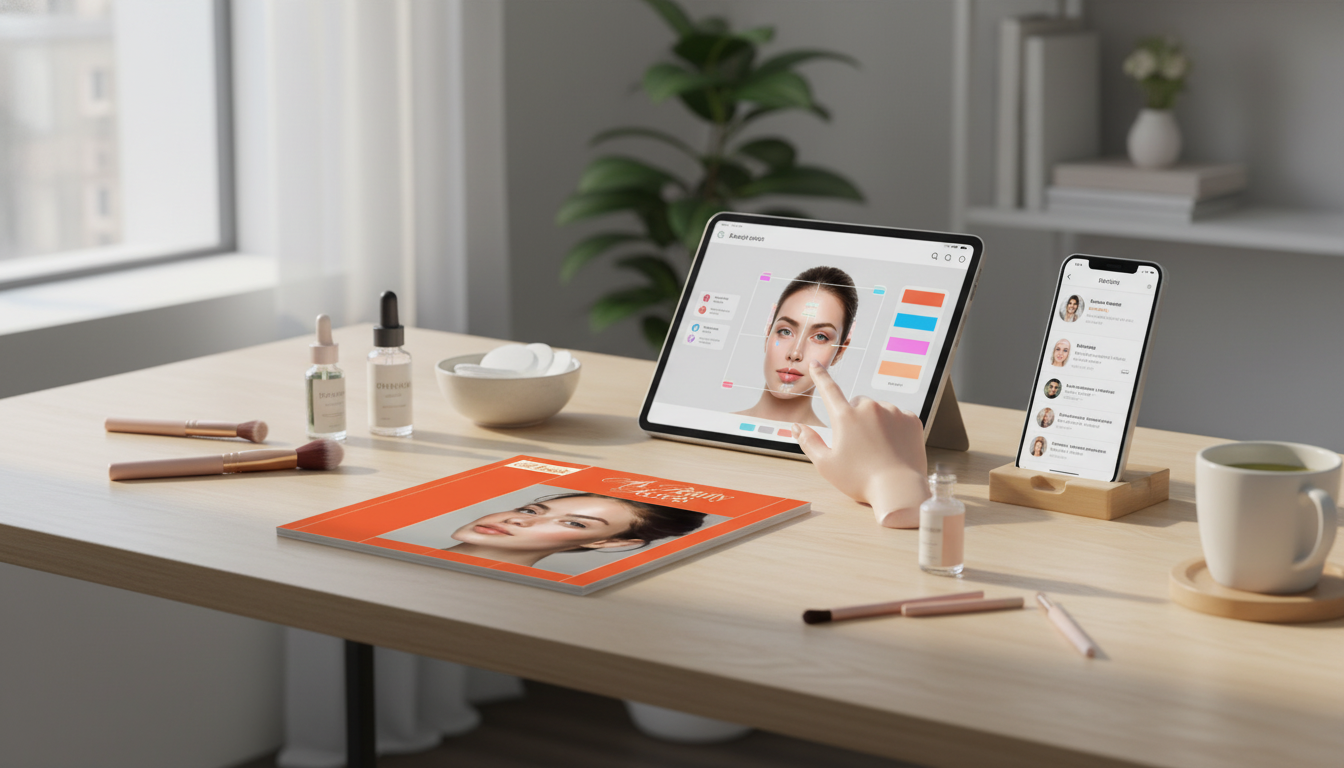
AI tools are changing how skincare and makeup choices get made—shifting from guesswork to routines built around photos, preferences, and daily conditions. The result can be a simpler lineup, fewer mismatched shades, and more consistent habits, as long as the tools are used thoughtfully and safely.
Most “AI beauty” apps fall into three practical buckets: skin analysis, routine recommendations, and virtual try-ons. Each can be useful, but none should be treated like a medical device.
For general skincare fundamentals, the American Academy of Dermatology Association is a reliable reference point, especially if you’re rebuilding a routine after irritation.
AI outputs are only as consistent as your inputs. If your baseline photo changes every time (different lighting, makeup, filters, or angles), the app may “detect” concerns that are really just shadows or glare.
| Step | Best practice | Why it matters |
|---|---|---|
| Photo baseline | Clean skin, no filters, neutral background | Reduces false “concerns” caused by glare and color shifts |
| Lighting | Soft daylight or diffused lamp at eye level | Improves tone and texture accuracy |
| Routine goals | Pick 1–2 priorities (e.g., hydration + uneven tone) | Prevents product overload and conflicting actives |
| Sensitivity guardrails | Flag fragrance, essential oils, strong acids, retinoids if needed | Cuts risk of irritation and barrier damage |
| Check-in cadence | Review every 2–4 weeks | Matches typical skin turnover and adjustment time |
A common trap with “personalized routines” is stacking too many new products at once. If your skin gets tight, red, or bumpy, it becomes hard to identify the culprit. A more resilient approach is to stabilize the basics first and then add targeted steps slowly.
If you’re unsure where your products fall (drug vs. cosmetic claims, labeling, and basic safety expectations), the U.S. Food & Drug Administration’s cosmetics resource is a helpful baseline.
Virtual try-on is best for narrowing options quickly, not for declaring a perfect match. Think of it as a “shortlist generator” for shades and looks that are worth testing more carefully.
Beauty personalization often requires sensitive inputs—photos, face geometry, purchase behavior, and sometimes location-based context like climate. Before uploading images, take a minute to verify what the app stores and how you can control it.
For a plain-English overview of privacy transparency expectations in mobile experiences, the Federal Trade Commission guidance on mobile privacy disclosures is a strong starting point.
They provide estimates that can shift with lighting, camera quality, and whether your skin is freshly cleansed or irritated. They’re most useful for tracking trends over time and supporting routine decisions, not for diagnosing skin conditions.
Virtual try-on is great for narrowing choices and previewing placement, but real-world wear still matters. Oxidation, texture, and how a product looks across different lighting can only be confirmed with an actual swatch and wear test.
Wait about 2–4 weeks before making major changes so you can see patterns and reduce irritation from constant switching. Introduce one new product at a time, and adjust sooner only if you experience stinging, swelling, or persistent redness.
If you have any questions, here are some useful links:














Leave a comment