HomeBlogBlogStress-Free Home Reset Checklist + Digital Declutter

Stress-Free Home Reset Checklist + Digital Declutter

Stress-Free Home Reset Checklist + Digital Declutter

A Stress-Free Home Reset: Printable Checklist for Minimalist Organizing and Digital Decluttering

A calm home usually comes from a simple system: quick decisions, clear categories, and small routines that prevent clutter from returning. This home reset plan pairs a printable checklist with a digital decluttering guide so every space—physical and online—feels easier to maintain, even during busy weeks. Since stress can show up in the body and impact focus, a lighter environment can make daily life feel more manageable (see Harvard Health Publishing and the American Psychological Association).

Start with a 30-minute calm-down reset

This first step is about fast relief—not perfection. A quick reset creates visible progress, which makes it easier to keep going.

  • Set a timer for 10 minutes to clear visible surfaces (entry table, kitchen counters, coffee table) into one “sort later” bin.
  • Open windows or change lighting to make the space feel fresh; pair the reset with one calming playlist to stay consistent.
  • Choose 3 quick wins: empty the sink, clear the floor in one room, and take out trash/recycling.
  • Avoid deep organizing at this stage; the goal is immediate relief and momentum.

Tip: If you’re short on time, stop when the timer ends—even if it’s not done. Ending on a “cleaner than before” note is how resets become a habit.

The minimalist sorting method that reduces decision fatigue

Clutter often lingers because the brain has to make too many tiny decisions. Keep the sorting method simple and consistent so you don’t renegotiate the rules every time.

  • Use five drop-zones: Keep Here, Relocate, Donate/Sell, Trash/Recycle, and “Need to Decide”.
  • Limit “Need to Decide” to one small box; schedule a decision time later the same day to prevent lingering piles.
  • Relocate items immediately when possible; if not, group relocations by destination room for a single trip.
  • Choose simple container rules: no new bins until the category is reduced; containers should fit the final quantity, not the other way around.

Quick decision prompts for common clutter

Category Keep if… Let go if…
Paper Actionable within 7 days or legally required Already handled, duplicated, or easily accessible online
Clothes Fits now and was worn in the last season Uncomfortable, “maybe someday,” or needs repairs you won’t do this month
Kitchen tools Used weekly/monthly and easy to store Single-purpose and rarely used, or you own multiples
Kids’ items Used daily/weekly and has a defined storage spot Outgrown, broken, or missing parts
Decor Actively loved and displayed Stored “just in case” with no clear plan

Room-by-room home reset checklist (weekend-friendly)

Work room-by-room to avoid “shuffle clutter,” where items move around the house without leaving it. Keep a donation bag open while you go.

  • Entryway: set one landing zone (keys/wallet), add a small “outgoing” basket, and clear shoes to a single rack or bin.
  • Living room: remove duplicates (throws, remotes, candles), corral cords, and define one shelf/drawer for everyday items.
  • Kitchen: clear counters, create zones (coffee, snacks, prep), and do a fast pantry sweep for expired items.
  • Bathroom: reduce backups, keep one daily-use caddy, and store extras together by category.
  • Bedroom: clear nightstands, simplify surfaces, and create one laundry flow (hamper + donation bag).
  • Closets: pull only one category at a time (tops, bottoms, shoes) to avoid overwhelm.

Digital decluttering that supports a calmer home

Digital mess quietly drains attention—extra notifications, overflowing photos, and a chaotic inbox make it harder to follow through on home routines. A short digital reset can reduce that constant “open loop” feeling (see National Institute of Mental Health for practical coping support).

  • Phone home screen: keep one page; move everything else into labeled folders (Finance, Health, Home, Social, Travel).
  • Photos: create one “To Sort” album; delete screenshots and duplicates first for the fastest space recovery.
  • Email: unsubscribe from promotional lists, then set up 3 folders/labels (Action, Waiting, Reference) to reduce inbox scanning.
  • Files: use a simple naming rule (YYYY-MM + topic) and keep one folder for “House” (warranties, manuals, receipts).
  • Notifications: turn off non-essential alerts; keep only calls/messages, calendar reminders, and critical security/finance notices.

One small win that pays off: when you save manuals and warranty PDFs in a “House” folder, you’ll naturally reduce paper piles and “just in case” drawers.

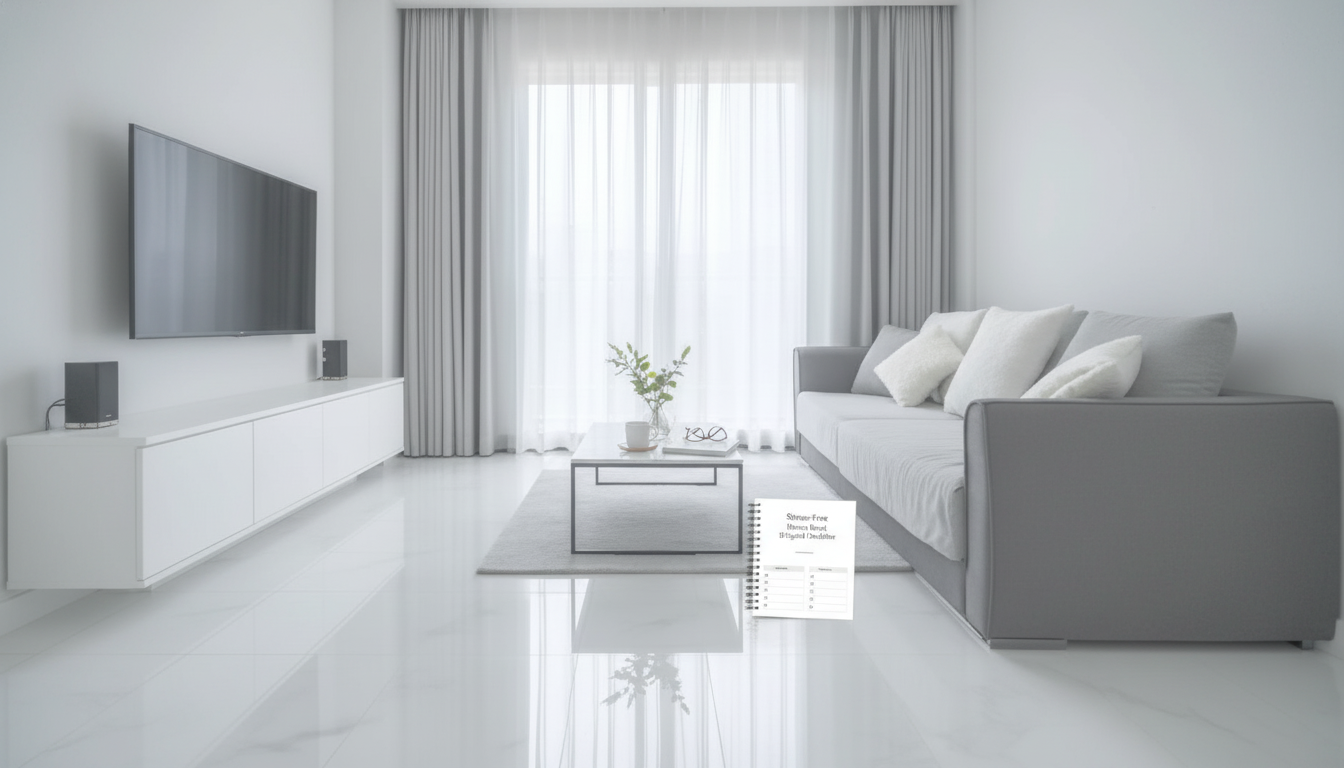
Print-and-go setup for the checklist

The easiest checklist is the one you actually see. Set it up where clutter starts, not where you wish it started.

Tools that make the reset easier (printables you can use right away)

Keep it organized with a small weekly routine

Common roadblocks and quick fixes

FAQ

How long does a full home reset usually take?

A quick reset can take 30 minutes, while a weekend reset often takes 3–6 hours depending on how much needs to be sorted. Splitting work by room and using timers keeps it moving, and reducing items first makes every step faster.

What should be organized first when everything feels overwhelming?

Start with high-impact zones you see constantly: kitchen counters, the entryway landing zone, and the bathroom sink area. Clearing visual clutter in these spots creates immediate relief and makes it easier to keep going.

How do digital decluttering and home organization work together?

Fewer notifications and a cleaner inbox reduce mental noise, which makes it easier to follow through on small home routines. Simple file storage for warranties and manuals also cuts down on paper piles and “where did I put that?” stress.

Was this article helpful?

Yes No
Leave a comment
Top

Yay! 10% Off Just for You!

Join our community and enjoy 10% off your first order. Subscribe for exclusive deals!

Shopping cart

×