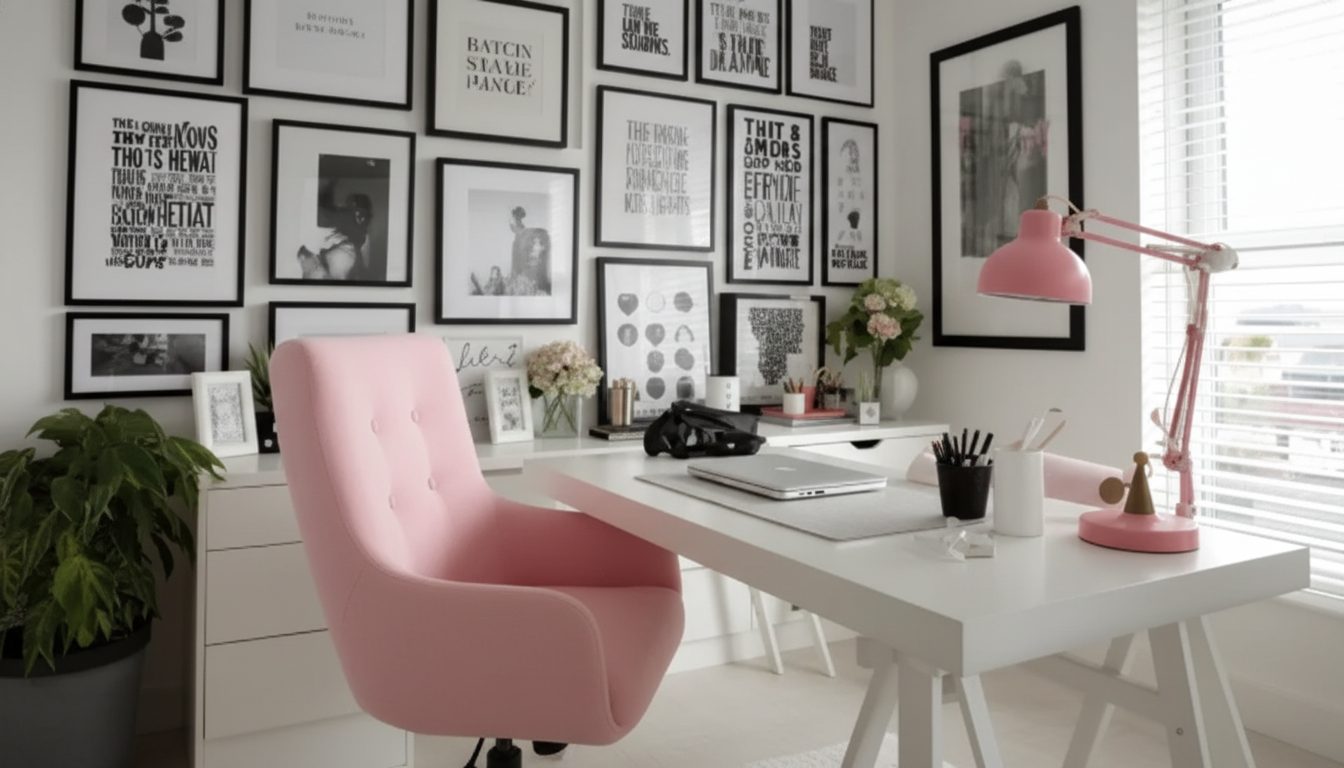
A functional home office can look polished without premium price tags. With a few high-impact decisions—layout, lighting, color, and smart storage—any corner can become a workspace that feels intentional, comfortable, and easy to maintain. Use the framework below to plan purchases, repurpose what’s already at home, and create a modern look that supports focus.
Before buying anything, take 30 minutes to map the space and the way you actually work. A quick plan prevents “almost right” purchases and helps you spend where it counts.
| Category | Buy new or repurpose? | Low-cost upgrade ideas | Why it matters |
|---|---|---|---|
| Desk surface | Repurpose if sturdy | Door slab + trestles; small writing desk; wall-mounted shelf desk | Enough depth prevents clutter creep |
| Chair | Buy if working daily | Add lumbar cushion; footrest from a box; seat pad for height | Comfort reduces fatigue and distractions |
| Lighting | Buy | LED desk lamp; warm bulbs; clamp lamp for small spaces | Better lighting improves focus and video calls |
| Storage | Repurpose first | Magazine files; bins; over-door hooks; rolling cart | Keeps essentials reachable without visual noise |
| Decor | Repurpose | One framed print; thrifted vase; peel-and-stick wallpaper panel | Adds a “finished” look for minimal cost |
A budget office looks expensive when it feels deliberate. Layout is the easiest way to make a small setup feel calm and “built in,” even if it’s just a corner of a bedroom.
If the space is doing double duty, aim for a setup that resets fast. A small tray for daily items, one lidded bin for “loose” supplies, and a single cable path can make the desk look clean in under a minute.
“Modern” reads as consistent and uncluttered, not pricey. The most affordable way to get there is to repeat a few finishes and reduce visual noise.
Thrift and “shop the house” strategically: one consistent container type (like identical magazine files) looks more elevated than a mix of random organizers, even if each piece was inexpensive.
Lighting and ergonomics affect how you feel at the desk—so they’re worth prioritizing over extra decor. For a quick refresher on efficient bulbs and cost savings, the U.S. Department of Energy’s overview of LED lighting choices is a helpful reference.
For workstation setup guidance that aligns with common ergonomic recommendations, see the CDC/NIOSH Computer Workstations eTool. Even small adjustments—like raising a monitor with sturdy books or adding a footrest—can make long work sessions noticeably easier.
Prioritize comfort and visibility first: a supportive chair solution (even if it starts with cushions or a seat pad) and a good task lamp. These improve daily focus more than decorative upgrades.
Simplify to a tight color palette, hide clutter with matching bins or baskets, and add one larger wall art piece for impact. Using vertical storage and repeating one material finish makes the space feel intentionally designed.
Use adhesive clips to route cords, bundle the main group in a cable sleeve, and mount a power strip under the desk so plugs stay out of sight. Label cords and keep only the chargers you use daily on the desktop.
If you have any questions, here are some useful links:











Leave a comment