
Choosing an ad image is rarely about “the prettiest option.” It’s about matching attention, clarity, emotion, and brand fit to a specific offer and audience. A practical AI-assisted process turns image selection into something repeatable, testable, and easier to approve across campaigns and channels—without handing over creative control. For more guidance, see AI Advertising Tools: Complete Guide for Marketers … – AdxMagic.
“Smart Picks” is a disciplined way to use AI as a decision partner: it helps filter, score, and compare images so teams spend time polishing winners—not debating subjective favorites. For further reading, see 10 Awesome AI Tools for Marketers to Create and Enhance Visuals.
Most ad images fall into one of four roles. Selecting the role first prevents mismatches—like using a “trust” scene when you really need “clarity” for a new product.
Built to interrupt scrolling: high contrast, a clear subject, and minimal visual noise. These often win in cold targeting where recognition is low and speed matters.
Built to explain quickly: show the product, the result, or the process with cues that read at thumbnail size. If the offer is new or technical, clarity usually beats cleverness.
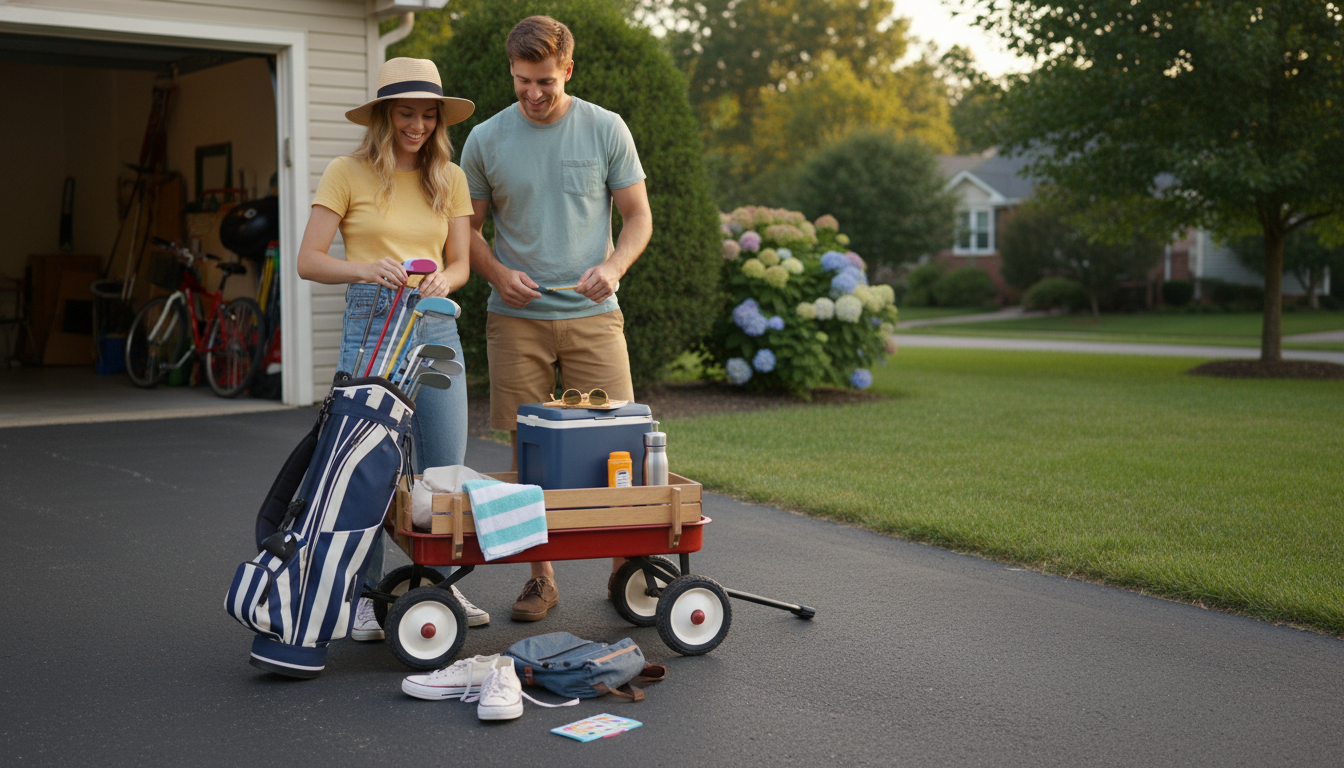
Built to reduce doubt: social proof, credible contexts, or “real life” scenes. The best trust images feel specific and believable, not generic.
Built to align with the landing page and seal the deal: direct offer framing, price/value cues, and high relevance to what happens after the click.
| Image role | Best for | What to include | Common mistake |
|---|---|---|---|
| Attention | Cold audiences, broad targeting | Single focal point, strong lighting, bold color separation | Too many elements competing for focus |
| Clarity | New products, complex offers | Obvious product shot, before/after, step-by-step cue | Relying on tiny details that won’t survive mobile cropping |
| Trust | High-ticket, sensitive categories, retargeting | People, believable environments, proof points aligned to claim | Stock-photo vibe that feels generic |
| Conversion | Warm audiences, promo periods | Offer framing aligned to landing page, decisive context | Mismatch between ad image and page hero image |
This workflow keeps image selection fast and defensible, especially when multiple stakeholders need to sign off.
Generic inputs produce generic outputs. Better boundaries produce better creative variety—while staying on-brand.
Once you have options, confirm that they comply with each platform’s creative requirements (dimensions, safe zones, and file types) using the official resources for Meta ad creative specifications and Google Ads image guidelines.
Test 3–6 images per concept to get meaningful comparison without spreading budget too thin. Batching helps isolate what works while keeping the test manageable across placements and formats.
AI can score and filter options quickly, but final approval should stay with humans for brand fit, accuracy, and platform compliance. The safest workflow is AI shortlist first, then a quick stakeholder review before launch.
Consistency in lighting, color mood, and subject hierarchy helps recognition even when placements change. Matching the ad’s visual style to landing page visuals—and preparing platform-specific crops—keeps the experience cohesive.
If you have any questions, here are some useful links:











Leave a comment