HomeBlogBlogSmart Lights for a More Organized Home: Quick Checklist

Smart Lights for a More Organized Home: Quick Checklist

Smart Lights for a More Organized Home: Quick Checklist

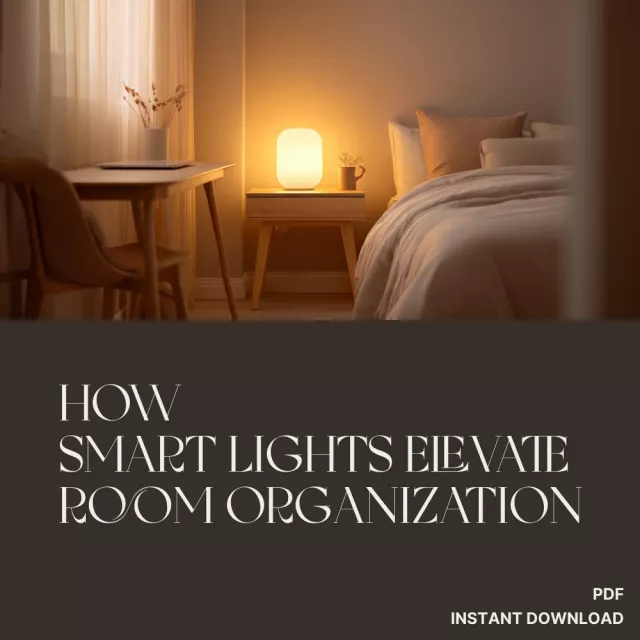
How Smart Lights Elevate Room Organization: A Practical Checklist to Declutter Faster and Optimize Your Space

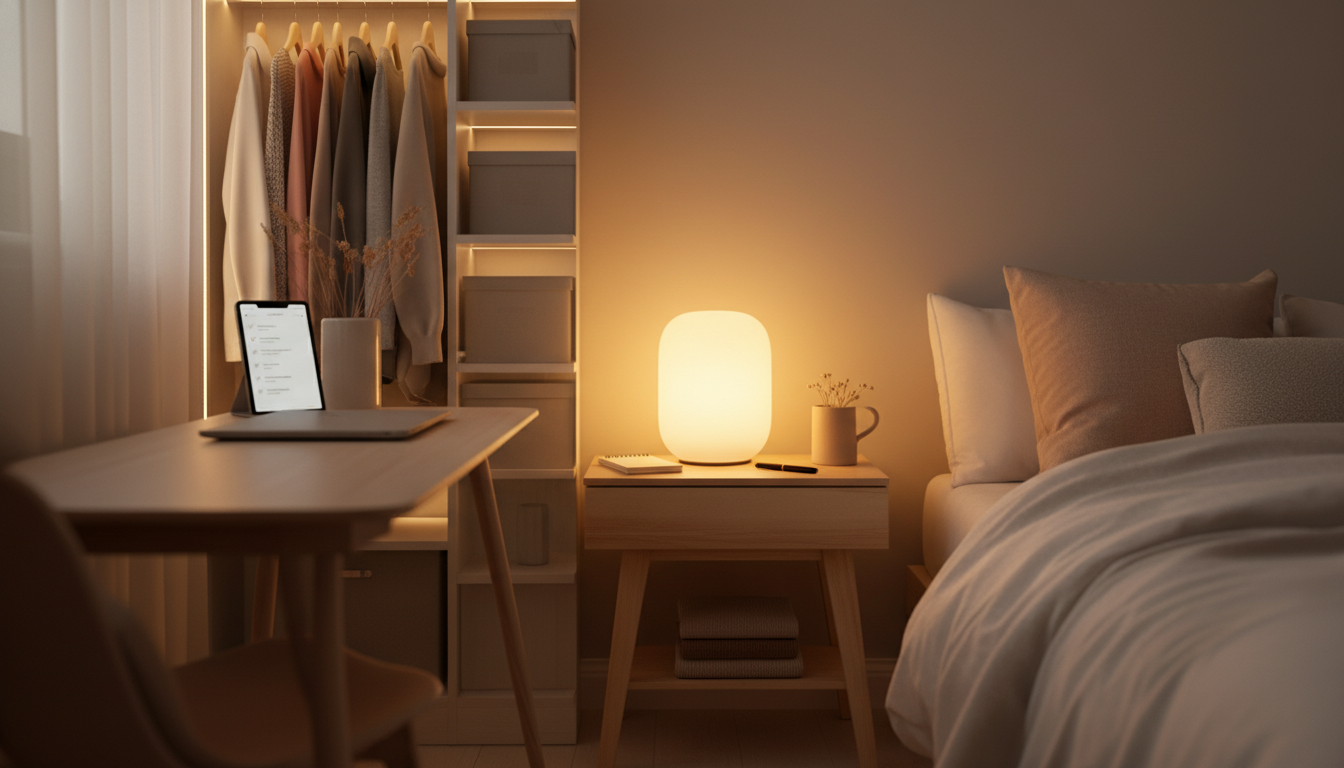
Room organization gets easier when lighting supports how the space is actually used. Smart lights can reduce “visual noise,” create clear zones for tasks, and add simple routines that guide daily resets—without adding more storage bins. Use the checklist below to set up lighting that helps you find what you need faster, keep surfaces clearer, and maintain order with less effort. For more guidance, see How to Use Smart Lighting to Upgrade Your Home – WIRED.

Start With the Problems Lighting Can Fix

  • Identify the top three friction points: losing small items, overflowing drop zones, unfinished sorting piles, cluttered countertops, or messy closets.
  • Note where shadows hide clutter: behind doors, inside closets, under shelves, at the back of drawers, and in corners.
  • Track when clutter grows: mornings, after work, bedtime, laundry day, or during weekend projects.
  • Choose one room to optimize first (entryway, kitchen, bedroom, home office) to avoid half-finished setups.

Quick reality check: if an area is hard to see, it becomes easy to ignore. Better lighting doesn’t “solve” clutter, but it removes the friction that keeps piles in place and makes it easier to follow through on micro-tidying. For further reading, see Efficient Smart Lighting Ideas That Will Transform Your Space.

Checklist: Set Up Lighting Zones That Match Your Habits

  • Create a “landing zone” scene near the door: bright, neutral light that turns on when arriving so keys, mail, and bags go where they belong.
  • Add a “reset” scene for end-of-day tidying: medium brightness with warm tone to reduce glare while still showing what’s out of place.
  • Use a “focus/find” scene for detail work: brighter, cooler light for labeling, sorting, folding, and cleaning.
  • Assign each zone a name that matches the action: Drop Zone, Sort Station, Closet, Desk, Vanity, Pantry.
  • Keep controls simple: one tap/voice command per routine, not per bulb.

Room Organization Lighting Zones (Quick Planner)

Zone Smart Light Setup Scene Name What It Helps You Do
Entry / Drop Zone Ceiling light + small lamp or strip Arrive Put items away immediately; reduce pile-ups
Closet / Dresser Motion sensor + bright bulbs or strips Find & Put Away See everything; avoid “stuffing” and duplicates
Kitchen Counters Under-cabinet strips Clear Counter Spot clutter; maintain open prep space
Desk / Home Office Task lamp + overhead Focus Keep papers organized; reduce eye strain and mess
Laundry Area Bright overhead + timed routine Fold & Finish Complete cycles; prevent clean-clothes piles

If you want a ready-to-use, print-friendly approach, How Smart Lights Elevate Room Organization: A Practical Checklist is designed to help you pick zones, name scenes, and build a simple routine you’ll actually repeat.

Use Motion, Timers, and Routines to Prevent Clutter From Settling

  • Motion in storage spaces: closets, pantries, and laundry rooms benefit most because hands are often full.
  • Arrival automation: turn on entry lighting at a set time window (weekday evenings) to trigger a consistent drop-and-put-away pattern.
  • “Two-minute reset” timer: schedule a gentle lighting cue nightly (for example, a brief brightness change) as a reminder to clear surfaces.
  • Task-bound lighting: set lights to turn off after 20–40 minutes in sorting areas so piles don’t become permanent.
  • Avoid over-automation: routines should reinforce habits, not create confusing light changes that get ignored.

Lighting cues work best when they’re predictable. Think “same light = same action.” When the scene turns on, you already know the next tiny step: hang the jacket, file the paper, wipe the counter, start the load, finish the fold.

Reduce Visual Noise With Color Temperature and Brightness

  • Use neutral white for “see everything” moments (sorting, cleaning, labeling) so clutter is easier to spot and categories are clearer.
  • Use warm light for winding down and maintaining order without the harshness that makes rooms feel chaotic.
  • Keep consistent tones across an open-plan area to make the space feel unified and less busy.
  • Lower brightness in relaxation zones (bedroom, living room) while keeping task zones brighter so “where things belong” stays obvious.
  • If colors are used, reserve them for signals (e.g., pantry restock, laundry complete) instead of constant ambience.

LED lighting is also a practical upgrade for efficiency and longevity; ENERGY STAR explains the basics of LED bulb performance and why it matters for everyday use. ENERGY STAR — Light Bulbs (LED Lighting Basics)

Pair Smart Lighting With Simple Organization Systems

When you’re ready to expand beyond lighting into a broader set of calm-home routines (drop zones, paper control, closet flow, weekly resets), Reclaiming Your Home from the Mess Bundle consolidates multiple checklists so the habits stay consistent from room to room.

Room-by-Room Mini Plans

Common Setup Mistakes That Undermine Organization

A 15-Minute Implementation Sprint (Do This Today)

FAQ

Do smart lights actually help with decluttering, or are they just decorative?

They can help directly by improving visibility (so you notice what’s out of place) and by adding consistent cues like “Arrive” and “Reset” that prompt quick put-aways. For example, a bright entryway scene that turns on when you get home can reduce mail-and-keys piles by making the drop zone obvious and easy to use.

What is the best smart lighting setup for closets and storage areas?

Motion-activated lighting with bright, neutral-white output works best so every shelf and corner is visible when your hands are full. Strips along the door frame or under shelves reduce shadows, making it easier to find items and avoid buying duplicates.

How many lighting scenes should a room have to support organization?

Usually 3–6 scenes per room is enough: a “Find/Arrive” option, a “Focus” option, and a “Reset” option, plus an optional “Night” scene. Action-based names and consistent labels across rooms reduce decision fatigue and make routines stick.

Was this article helpful?

Yes No
Leave a comment
Top

Yay! 10% Off Just for You!

Join our community and enjoy 10% off your first order. Subscribe for exclusive deals!

Shopping cart

×